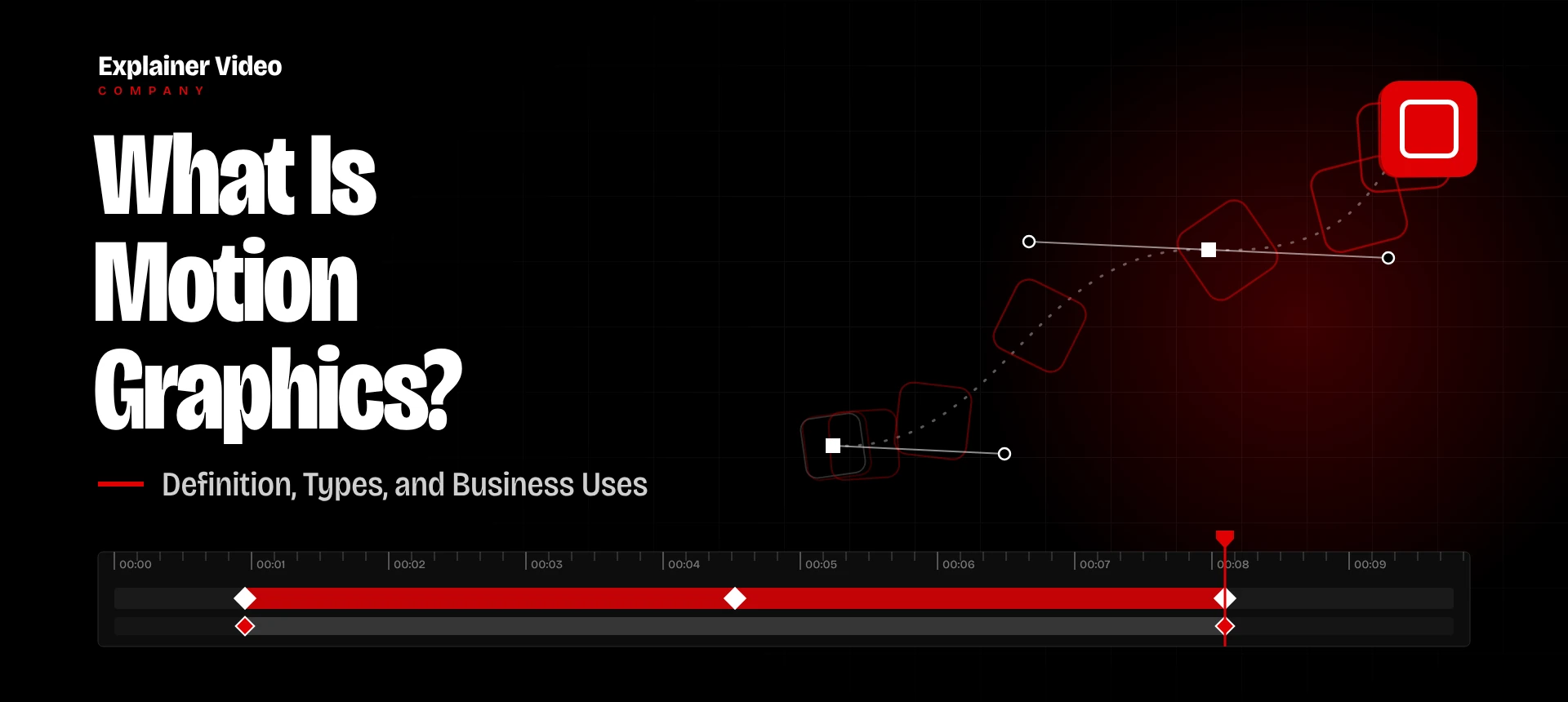
Motion graphics is graphic design in motion. Text, icons, charts, and logos are animated so that a viewer gets a point in seconds, rather than reading a paragraph about it. Agencies use the term all the time, but many business owners still don’t know what they’d actually be paying for. Here’s a simple guide to “what is motion graphics,” the formats you should know about, the industries that can get the most out of it, and how much it costs today.
Motion Graphics Defined
Motion graphics is a type of animation based only on graphics and design, and not on 3D animation, character animation or shooting videos. In a brochure or any kind of presentation, you can see visual components. The working process is to show different movements, e.g., an animated headline appears on the screen, a rising chart or a logo is inserted into the video at the right moment.
It can be demonstrated with the help of an example of a slideshow presentation in which all the graphic elements appear on the screen simultaneously. Add a voiceover and a music track, and you’ve got the basic recipe.
The format is good because of the timing. With a page of text, it’s much harder to control the one idea at a time that you are giving to the viewer. You’ve seen it in Spotify Wrapped cards, cable news name bars, app store preview videos, and the opening credits of many TV shows. Our guide to the types of animation explains each and allows you to see how they compare to others.
The Main Types of Motion Graphics
Most projects fall into one of seven types. Some are full videos, others are little snippets that make your current content look complete.
- Explainer Videos
This is the format that most businesses ask for when they ask for motion graphics. A 60-to-90-second explainer uses icons, short text lines, and clean diagrams to show how a product or service works. It works best on a homepage or landing page where a new visitor decides within seconds to stay or not.
- Kinetic Typography
In this style, the words are the images themselves. Each phrase is timed with a voice or song. That makes it good for announcements. And social ads that people watch muted.
- Animated Logos
An animated logo is usually two to five seconds long but gets more reuse than almost anything else you create. It opens/closes your videos and plays before webinars. Few video assets are so cheap and appear so often.
- Animated Infographics
A static chart requires the reader to hunt for the point. With an animated one, it builds up bar by bar or line by line, so the number that counts is last and sticks with the viewer. Finance teams use this to update quarterly, and non-profits use this to show donors what their money paid for.
- UI and Product Animation
It’s surprisingly difficult, shooting well with software. Screen recordings capture messy menus, stray notifications, and the occasional typo. UI animation reconstructs the interface in clean graphics, so you can zoom straight to the button that matters and exclude the rest.
- Social Media Clips
They are 6 to 30 seconds long, sit in a vertical frame, and have to make their point before a thumb moves on. Short clips work well on these platforms. Wistia found that the average engagement rate of videos under one minute is 52%, meaning people watch about half of each one.
- Lower Thirds and Title Graphics
Lower thirds are the bars that show names and titles at the bottom of interviews, webinars, and news segments. They’re a small thing, but footage without them often seems to be missing something.
What Is Motion Graphics Used for in Business?
Businesses use it anytime a message is too complex for a photo, and too important to hide in a paragraph. HubSpot’s State of Marketing survey found that 21% of marketers chose short-form video as the content format with the highest ROI. None of the other formats on the list scored higher.
Common uses include:
- A homepage video that explains the offer before a new visitor scrolls away.
- Launch announcements, where a 30-second clip shows what changed faster than release notes ever could.
- Training material, especially safety procedures and software lessons that new hires need to rewatch.
- Sales follow-ups sent after a demo to answer the questions nearly every prospect asks.
- Investor updates and board decks with charts that build in front of the room.
- Paid social ads designed to land the message within the first two seconds.
A homepage video is often the first thing a new visitor plays. Whether it lifts sign-ups depends on the page.
Industries That Benefit Most From Motion Graphics
Motion graphics can be used in every industry, but the ones that gain the most have one problem: their product is hard to point a camera at.
| Industry | Where motion graphics helps |
| Software and SaaS | Feature walkthroughs, onboarding |
| Finance and fintech | Explaining fees, products, and reports |
| Healthcare | Patient education, device instructions |
| Education and e-learning | Lessons broken into short steps |
| Ecommerce and retail | Product highlights for social ads |
| Manufacturing and logistics | Processes too big or too fast to film |
| Real estate | Market data and neighborhood maps |
| Nonprofits | Impact reports and fundraising appeals |
Bringing the work in-house rarely saves money unless you need a constant stream of videos. The Bureau of Labor Statistics reports that the median annual wage for special effects artists and animators was $102,030 in May 2025. That’s before you pay for software or benefits.
Our guide to explainer video cost explains how studios set their prices.
The Bottom Line on Motion Graphics for Your Business
If you are new to it, we recommend starting small with an animated logo and one explainer for your homepage. Track how the explainer performs, reuse its graphics in your social posts, and scale once you have real numbers to work from.
Explainer Video Company creates custom motion graphics for brands in tech, finance, health, retail and many more. We do the script and design in-house, and deliver versions sized for every channel you use. View examples and options on our motion graphics services page.
