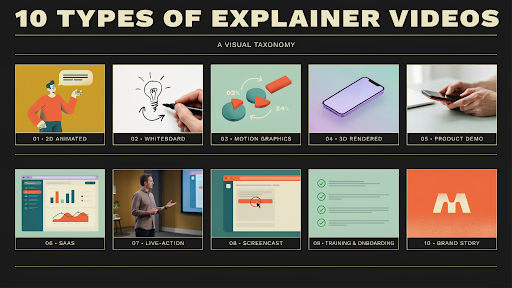
There are many types of explainer videos, and the wrong choice usually starts with a simple sentence: “Can we make it look like this?”
That sentence causes trouble.
A reference video can be useful, but it should not decide the whole direction. A SaaS product, a medical device, a brand story, and a staff training process do not need the same kind of video. One needs screens. One needs depth. One needs people. One needs slow, clear steps.
The style should answer the viewer’s problem, not the team’s personal taste.
1. 2D Animated Explainer Videos
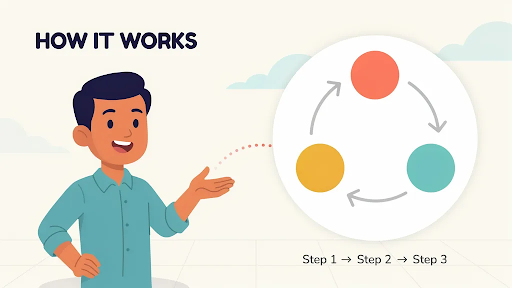
2D animation works well when the viewer needs to see a situation.
A patient trying to understand care instructions. A manager chasing approvals. A customer support rep stuck with the same question again. A small business owner trying to fix payment issues before the day ends.
Those little scenes make a message easier to follow.
A 2D explainer video company can turn a plain service pitch into a short, human story. It does not need to be dramatic. It just needs to show the problem clearly enough for the viewer to think, “Yes, that is what I deal with.”
Use 2D for healthcare, HR, education, fintech, apps, customer support, service pages, and training topics with a human angle.
Keep the story small. One problem. One setting. One clear shift.
2. Whiteboard Explainer Videos
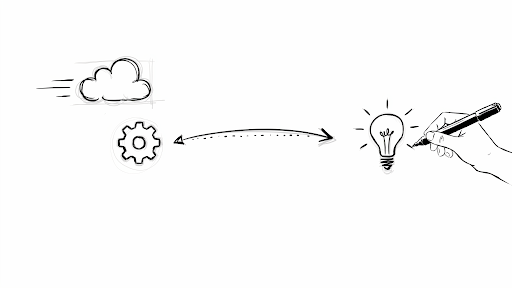
Whiteboard animation is closer to teaching than selling.
It has a slower pace. A line appears. A label follows. The next idea connects to it. The viewer watches the explanation form piece by piece.
That makes it useful for compliance topics, nonprofit messages, policy explainers, safety steps, simple financial education, and internal training.
If you are wondering when to use whiteboard explainer video content, use it when the topic needs patience. A claims process, employee policy, or step-by-step lesson can work well here.
But the style has a weakness. It can look tired fast.
A hand drawing a lightbulb, a stick person, an arrow, and a dollar sign feels like something people have already skipped before. Whiteboard needs specific visuals and a sharp script. Without that, it becomes a template with narration.
3. Motion Graphics Videos
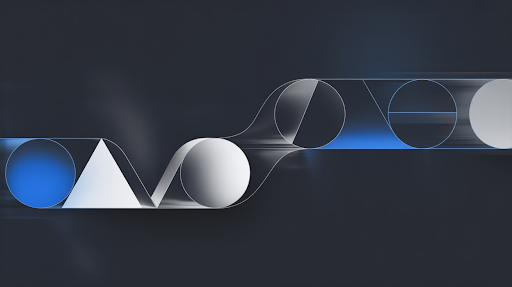
Some messages do not need a character walking through a story. They need structure.
A dashboard flow. A service timeline. A report. A payment journey. A system diagram. A set of numbers that needs to make sense quickly.
That is where motion graphics help.
Icons, labels, charts, forms, UI screens, and movement can all be used in a motion graphics video to put together vague ideas. It’s good for banking, cybersecurity, SaaS, transportation, business-to-business (B2B) services, internal slideshows, and information that looks like a report.
A good explainer video company should not add motion only to make the screen look active. Movement should show what changes, what connects, or what comes next.
If the viewer is busy watching arrows fly around, the video has already lost focus.
4. 3D Explainer Videos
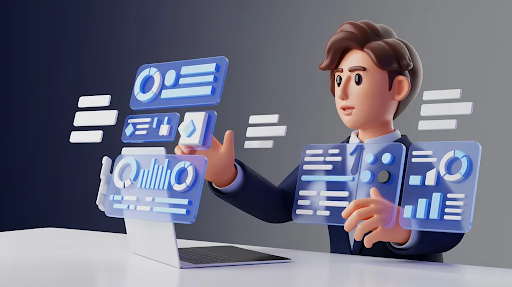
Some products cannot be explained properly from the outside.
Medical devices, industrial tools, machinery, construction systems, hardware, product mechanisms, and architecture concepts often need depth. The buyer may need to see inside the product, understand how parts move, or watch an assembly process.
A 3D explainer video company can show those details in a way photos and flat graphics cannot.
That is the real value of 3D. Not that it looks expensive. That it makes the physical thing easier to understand.
The 2D vs 3D explainer video for business question should be practical. If the message is about a person’s problem, 2D may be better. If the message is about a product’s structure, movement, or technical details, 3D is usually the stronger choice.
Do not choose 3D to impress. Choose it when flat visuals leave too many questions.
5. Product Demo Videos
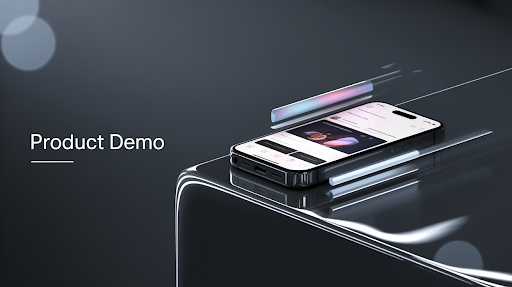
A product demo video should stop warming up and show the product.
Too many demos waste the first half with broad claims. “Built for teams.” “Designed for better work.” “Made to simplify.” Fine, but what does it actually do?
A useful product demo video shows the main action quickly.
For software, show the workflow. For ecommerce, show size, texture, use, setup, or comparison. For hardware, show handling, assembly, performance, or the main feature.
It works best when the buyer is already interested but wants to see proof. The best places to put it are on demo pages, sales emails, tracking ads, and training flows.
Do not turn the demo into a complete feature tour. Show the one action that matters most. Then stop.
6. SaaS Explainer Videos
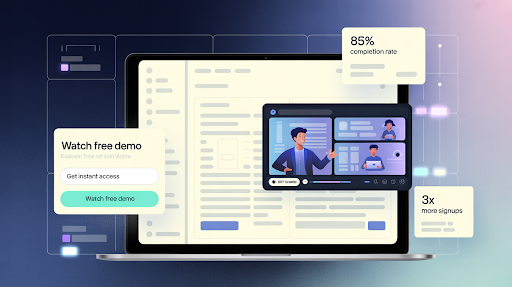
SaaS is hard to explain because software is invisible until the workflow is shown.
A feature name does not mean much. A dashboard screenshot does not prove value. The viewer needs to see the old problem, the new flow, and the result.
The best explainer video style for SaaS is often a mix. A short user scene can show the pain. Motion graphics can clean up the workflow. UI moments can show the product doing the work.
A SaaS explainer video company should not make every SaaS video follow the same structure. A homepage explainer is different from a feature walkthrough. A help center clip is different from a sales demo. Onboarding videos need different pacing too.
For SaaS, one video should answer one main question. The “everything we do” video usually becomes the video people abandon.
7. Live-Action Explainer Videos
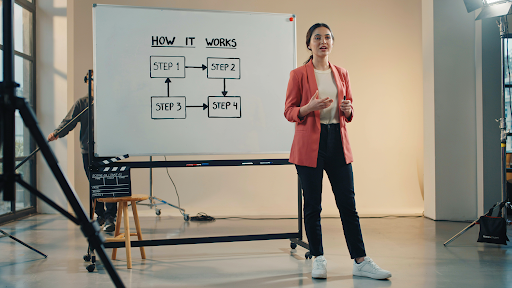
Live action works when a real face adds trust.
A founder explaining why the product exists. A doctor walking through a treatment. A trainer showing a task. A consultant explaining a service. A customer sharing a real problem.
These videos can feel direct because there is a human being in front of the viewer.
Live action is useful for healthcare, coaching, real estate, education, consulting, professional services, and founder-led brands.
It is not always easier than animation. Lighting, sound, locations, scheduling, reshoots, and camera comfort all matter. It can also age quickly if the office, team, or product changes.
Use live action when the person on screen makes the message more believable. Not just because “real footage” sounds serious.
8. Screencast Explainer Videos
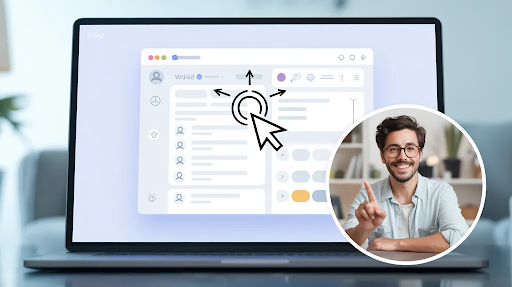
Screencast videos are plain by design.
They show the screen. They show the click. They show what happens next.
Because of this, they can be used for product walkthroughs, software lessons, onboarding, internal tools, help centers, and support material. People aren’t looking for a story. They want to complete a task.
A screencast needs clean pacing. No rushing. No wandering through menus. No long intro before the first useful action.
This style works best when the interface is already fairly clear. If the UI is confusing, the video may expose that problem instead of fixing it.
For practical step-by-step help, a screencast can beat more polished animated explainer videos because it gets straight to the point.
9. Training and Onboarding Videos
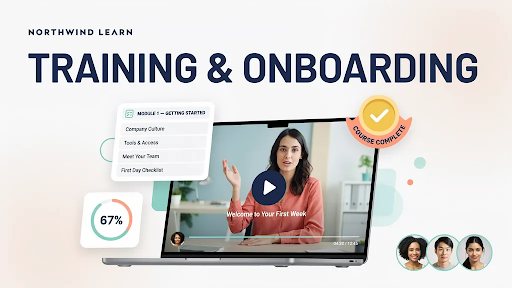
Training videos should be judged by what happens after the viewer watches.
Can they do the task?
Can they avoid the mistake?
Can they repeat the process without asking someone else?
If not, the video missed the point.
Training videos can use 2D animation, live action, screencast, motion graphics, or a mix. The format depends on what the person needs to learn. Safety training may need real footage. Software onboarding may need screen recording. Customer service training may need character scenes.
Use training videos for employee onboarding, customer education, sales enablement, healthcare instructions, support content, and internal workflows.
Keep them practical. Show the step. Show the mistake. Show the right action.
Nobody opens a training video hoping for a brand speech.
10. Brand Explainer Videos
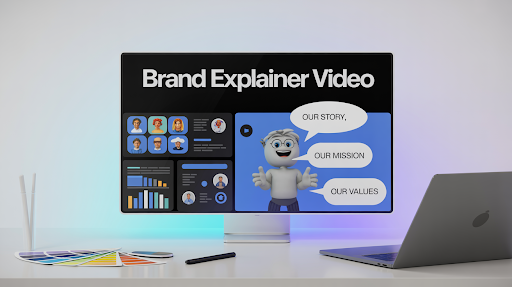
A brand explainer video should make the company easier to understand.
That sounds basic, but many brand videos fail at it. They look polished. They use nice music. They talk about trust, growth, better solutions, and helping businesses move forward. Then the viewer finishes and still cannot describe what the company actually does.
That is a problem.
A good brand explanation shows people what the company does, who it helps, and why that help is important. Someone who hasn’t seen it should be able to explain it in one line.
This layout works well for landing pages, investment decks, campaigns to raise awareness, sales openings, and new brands that need to be clear quickly.
Do not try to cover every service. Make the core offer clear first.
Choosing the Right Type
If you are asking which type of explainer video is best, start with the viewer’s question.
Do they need to see a human problem? Use 2D or live action.
Do they need a lesson? Use whiteboard.
Do they need a system or data flow explained? Use motion graphics.
Do they need physical product detail? Use 3D.
Do they need software steps? Use screencast or a demo.
Do they need to understand the business quickly? Use a brand explainer.
This is also how to think about explainer video types for marketing funnel planning.
Awareness videos should make the problem clear. Mid-funnel videos should show process, proof, or use cases. Bottom-funnel videos should answer doubts and show the product more directly.
The viewer’s question should choose the format.
Final Words
The best explainer video type is the one that helps the viewer understand with the least confusion. 2D works for human stories. Whiteboard is useful for teaching. Motion graphics help with systems, data, and workflows. 3D is better for physical products and technical details.
Videos that show how to use a service, live action, screencasts, teaching videos, and brand explainers can all be useful. After you know what the video is for, who it’s for, and what it needs to do, choose the style.
